
SalDesk
Starter
For small operators starting to digitise their operation.
€ 29 /mo
No lock-in contract · cancel anytime
- Booking management
- Fleet management
- Staff management
See plan details
Request a demo
Here's what you replace when you adopt SalDesk: the booking notebook, the team's WhatsApp group, the fleet spreadsheet, and the manual billing process.

A central calendar and automatic confirmations.
Shifts, roles and availability in one place.
Bookings to confirm and nearly sold-out tours at a glance.
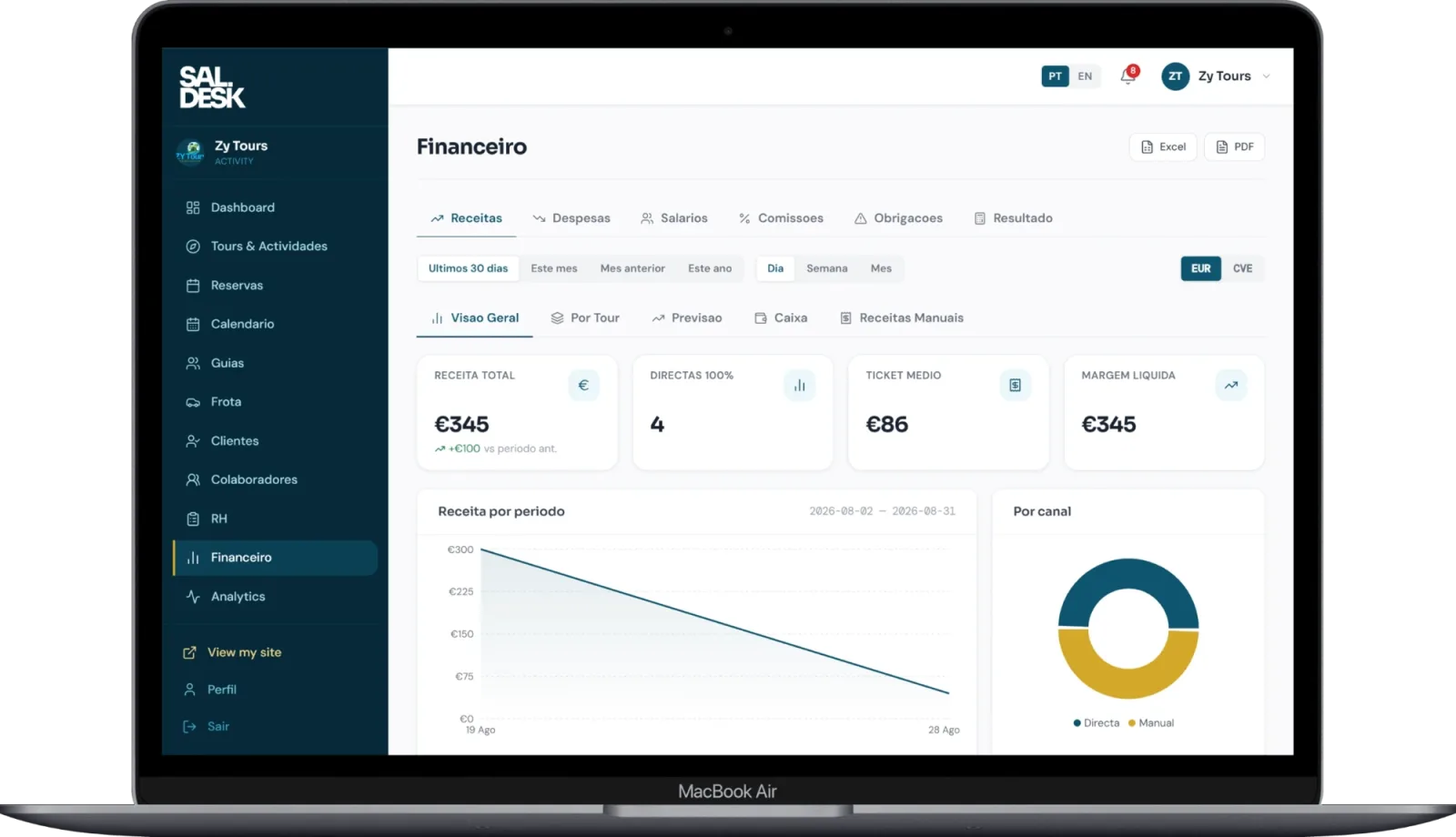
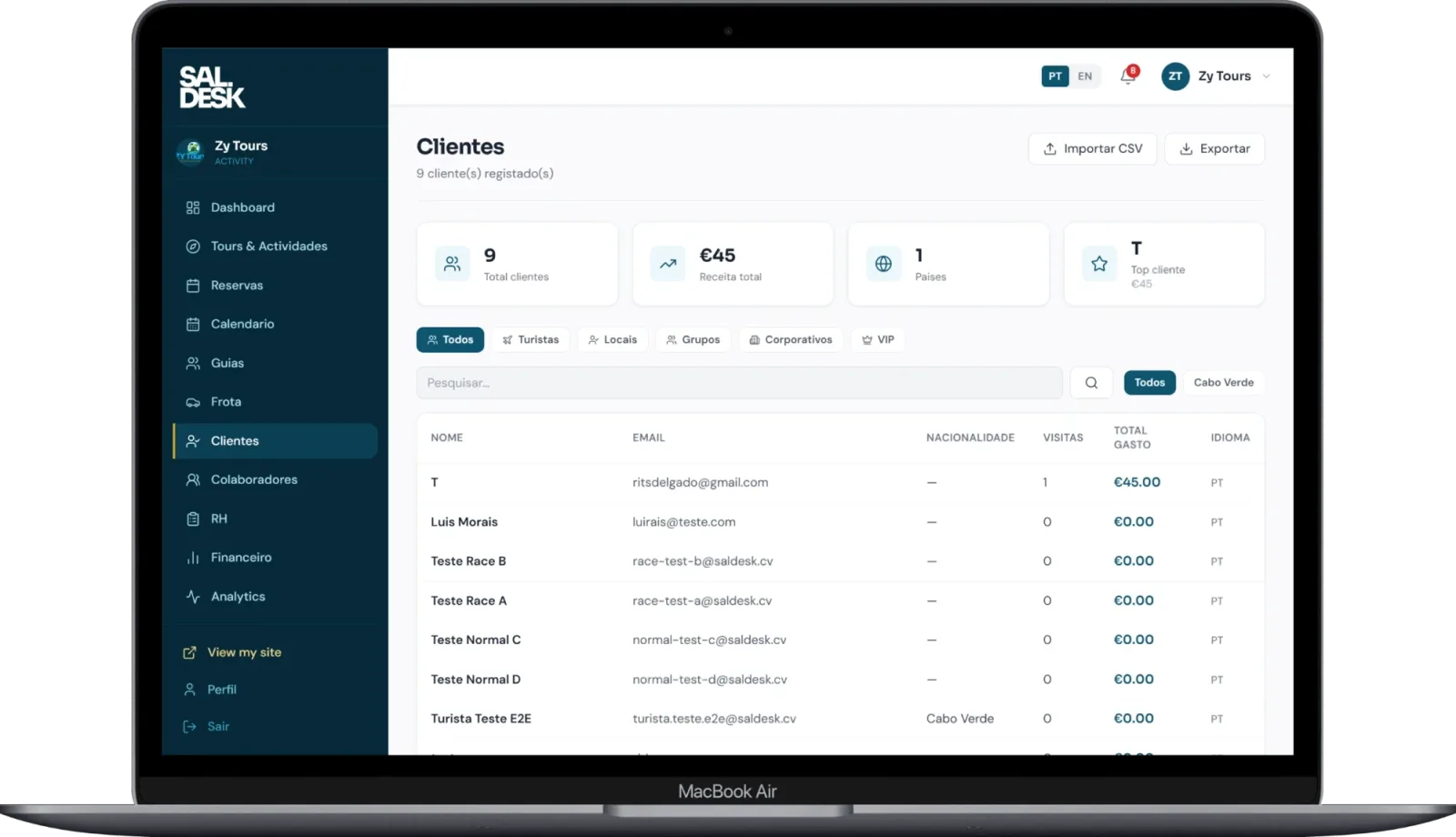
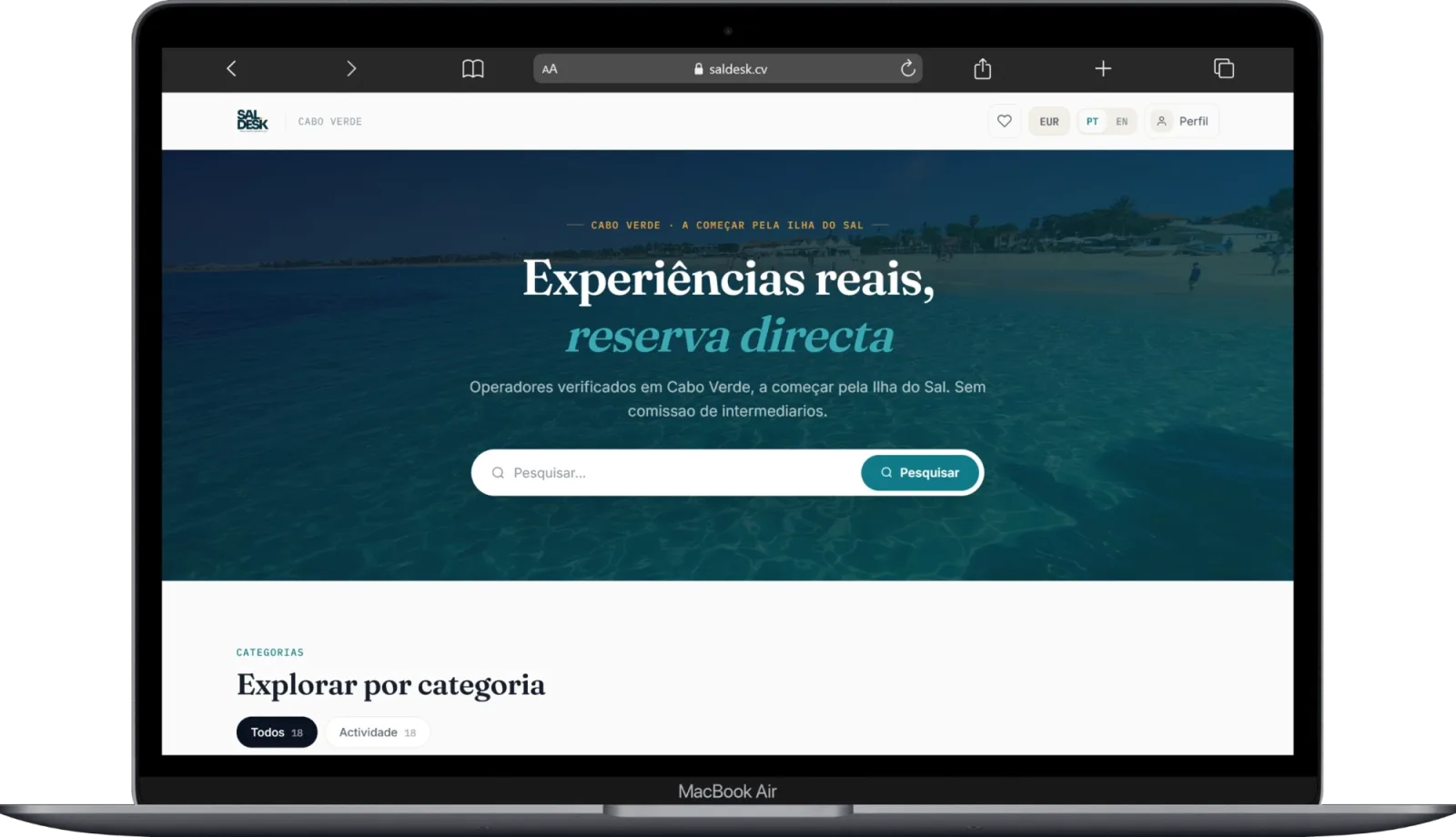
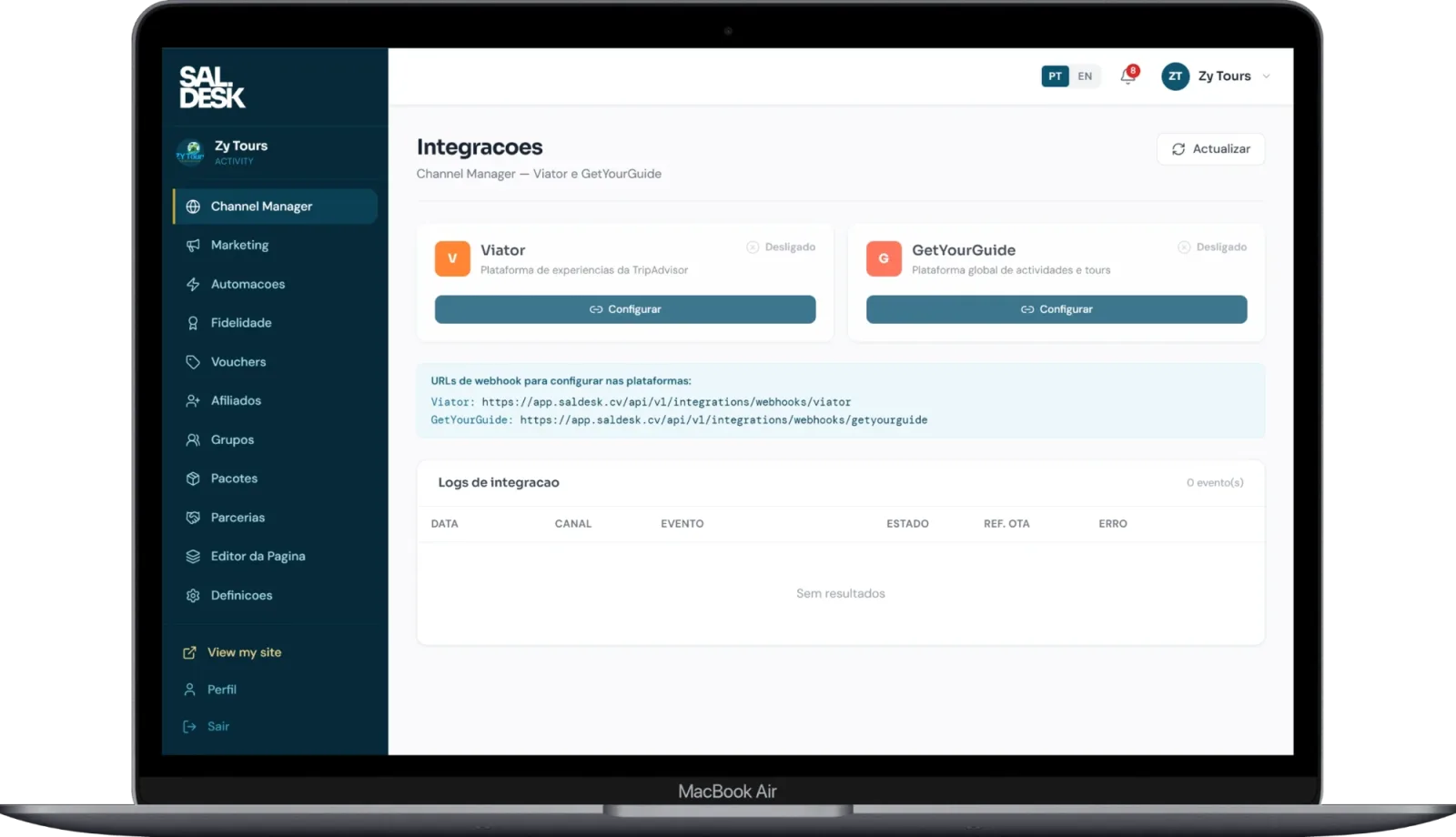
Some of the screens your team will use every day, from integrations to finance.
A centralised calendar of every booking, real-time availability, and automatic confirmations.
Status, maintenance, and assignment of vehicles or boats, visible to the whole team at all times.
Shifts, roles, and staff availability organised in one place.
Real-time operational communication, without relying on scattered WhatsApp groups.
Integrated charging and reconciliation, with support for PayPal and SISP Vinti4.

A simple estimate based on the time most operators spend managing bookings manually.
Estimate based on roughly 6 minutes saved per booking (automated confirmation, calendar, and billing). Actual results vary depending on your operation.
Choose the plan that fits the size of your operation. No long contracts, cancel anytime. Click a plan to see the details.
For small operators starting to digitise their operation.
€ 29 /mo
No lock-in contract · cancel anytime
For growing operations with multiple teams and vehicles.
€ 69 /mo
No lock-in contract · cancel anytime
Everything in the Starter plan, plus:
For established operators who need maximum control.
€ 79 /mo
No lock-in contract · cancel anytime
Everything in the Business plan, plus:
| — | Starter | Business | Pro |
|---|---|---|---|
| Booking management | Included | Included | Included |
| Fleet management | Included | Included | Included |
| Staff management | Included | Included | Included |
| Internal messaging | Not included | Included | Included |
| Integrated payments | Not included | Included | Included |
| Multilingual support (PT/EN/DE/NL) | Not included | Not included | Included |
| Priority support | Not included | Not included | Included |
| Guided onboarding | Not included | Not included | Included |
Monthly, per operator, with no long-term commitment. You can change plans at any time as your operation grows.
There's no setup fee on any plan. On the Pro plan, guided onboarding is included in the monthly price.
Yes. There are no lock-in contracts: cancel whenever you want and keep access until the end of the period you've already paid for.
Yes. Payments are processed via PayPal and SISP Vinti4. We never store card data on our servers.
Usually 1 to 2 weeks, depending on the size of your operation and the data being migrated from your current tools.
Yes: there is a live demo at app.saldesk.cv/demo, and you can also request a 15-minute demo with our team.
This website uses only one essential cookie (your language preference) and no advertising or analytics cookies.